01 / timing
Streaming first audio
Start playback as the response arrives, so an assistant, guide, or character can answer while the user is still engaged.
This guide explains where the inworld voice surface helps, what the setup looks like, and which boundaries matter before you put it in front of users. The focus is practical: audio that starts quickly, sounds expressive, and remains manageable as an interaction grows.
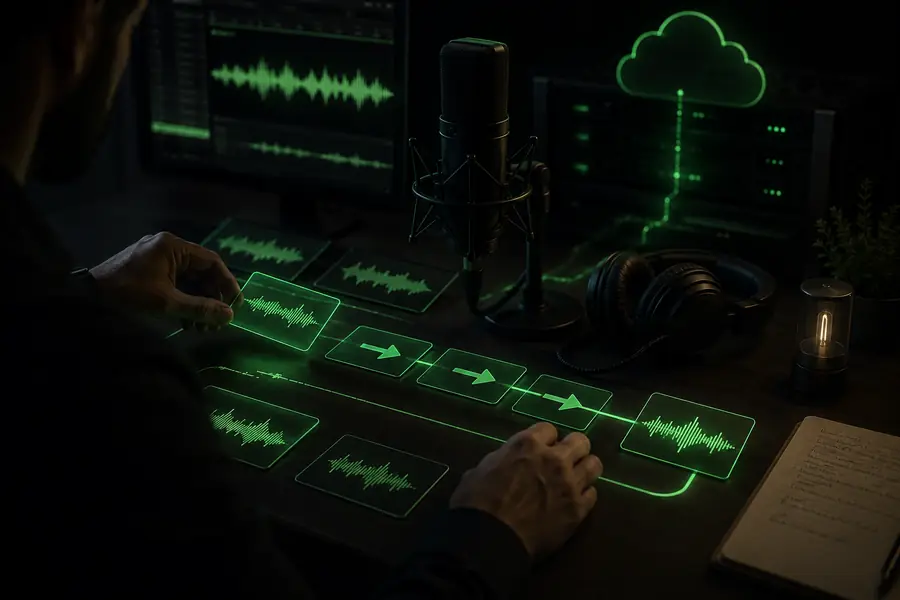
The value of inworld is less about making a single audio file and more about keeping speech close to the moment it is needed. A product can send text, shape delivery, receive streaming audio, and continue the interaction without treating every response as a separate production task.
| Attribute | Inworld voice surface | File-first workflow |
|---|---|---|
| First audio | Streaming response | Render before playback |
| Voice direction | Prompted tone and delivery | Usually preset-led |
| Conversation fit | Designed for turn-by-turn use | Better for finished assets |
| Language reach | Multilingual voice options | Often separate language jobs |
| Iteration loop | Adjust text and direction live | Export, review, repeat |
| Primary use | Interactive applications | Pre-produced media |
| Operational concern | Tune latency and consistency | Manage files and handoffs |
An online TTS experience succeeds when quality, control, and timing work together. Inworld brings those decisions closer to the product surface instead of forcing a team to stitch them together after generation.
Start playback as the response arrives, so an assistant, guide, or character can answer while the user is still engaged.
Use text and direction to shape warmth, energy, pacing, pauses, or character intent without producing a new recording.
Keep voice requests, language choices, and application logic in one workflow that can move from prototype to traffic.
Keep a companion expressive across short replies, emotional turns, and longer exchanges without making every line sound identical.
Explore companion voiceGive lessons a patient, responsive voice that can explain, repeat, encourage, and switch language context as needed.
Build learning audioLet characters respond with timing and tonal variation that supports a scene instead of flattening it into narration.
Shape character speechTurn a model response into a clear spoken answer while the surrounding system handles tools, memory, and business logic.
Plan an agent voiceThe experience is easiest to reason about as a short pipeline. The product owns the moment and context; the voice layer turns the response into sound that can begin arriving immediately.
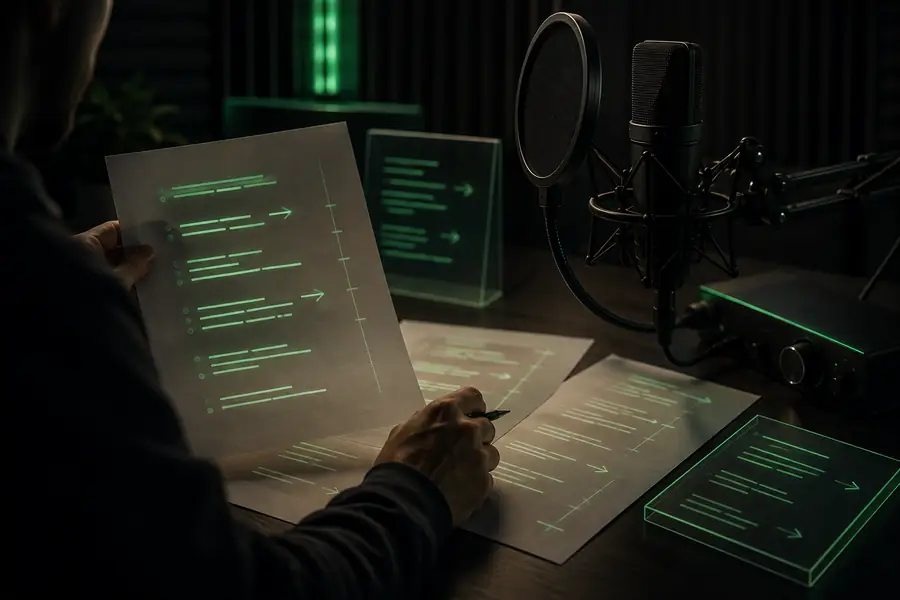
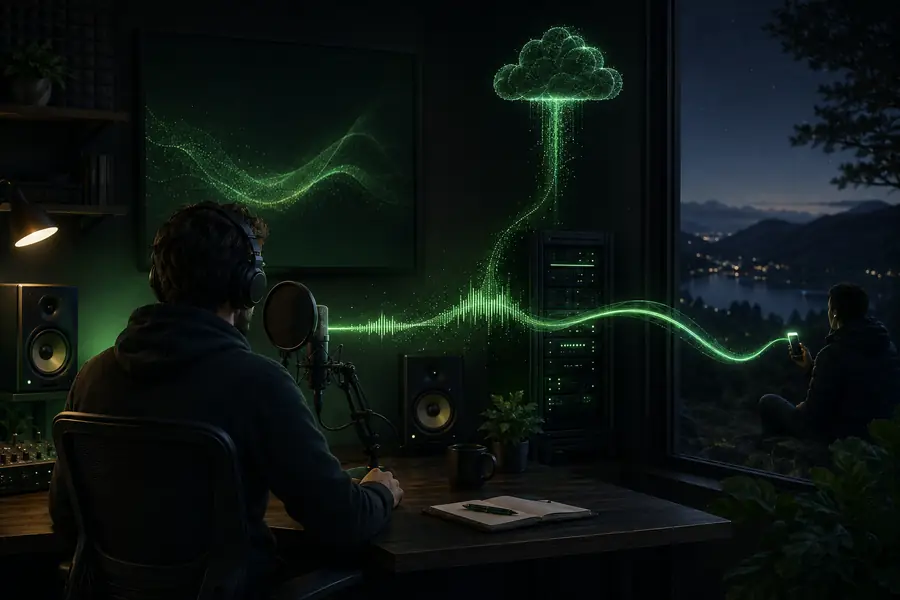
The visual difference is operational as much as aesthetic: a streaming response gives the interface something to do before the entire utterance has finished rendering.
Inworld is a voice infrastructure layer, not a complete product experience. Teams get better results when they define what belongs in the TTS request and what should remain in their application.
Voice generation can speak a response, but your product still needs the model, memory, routing, and rules that decide what should be said.
Workaround: keep orchestration explicit and pass only the final text plus useful direction to TTS.
Network conditions, text generation, buffering, and playback all influence how quickly a user hears the first useful sound.
Workaround: measure time to first audio in your own client and keep responses concise when speed matters.
A phrase such as “warm” or “confident” can land differently across languages, characters, and sentence lengths.
Workaround: maintain a small evaluation set with representative prompts and listen before shipping a change.
Spoken output should complement readable text, captions, controls, and a reliable way to pause or replay.
Workaround: expose transcripts and playback controls alongside every important voice interaction.
Before connecting an inworld TTS route, make sure the product has a clear audio contract. The required items protect the basic interaction; the optional items help you move from a demo to a durable system.
Generate or select the text your user should hear, then add only the delivery direction needed for this turn.
Send the text, voice choice, language, and output settings through the route your application controls.
Start playback as audio arrives, capture timing and failure signals, then refine the prompt and client behavior.
Availability and usage terms can change, so check the current access path before planning a production workload. A small prototype is the best way to understand the audio behavior and operational fit.
Yes, an application can connect its own server and client playback flow to an online voice route. Keep credentials off the client and design for interruption, buffering, and fallback states.
Online TTS can respond to the current context and begin streaming before the complete utterance is finished. Downloaded files remain useful when the content is fixed and can be prepared ahead of time.
Test representative prompts, accents, sentence lengths, interruptions, and noisy network conditions. Listen for consistency as well as first-audio timing, because both shape whether the interaction feels trustworthy.