Voice app builder
A companion listens to a user, receives partial words as they arrive, and uses the completed turn to select a helpful reply.
inworld ai voice generatorInworld speech to text turns live audio into a usable stream of words, timing, and context. It is designed for voice agents, games, learning products, and support experiences that need to listen while the conversation is still happening.
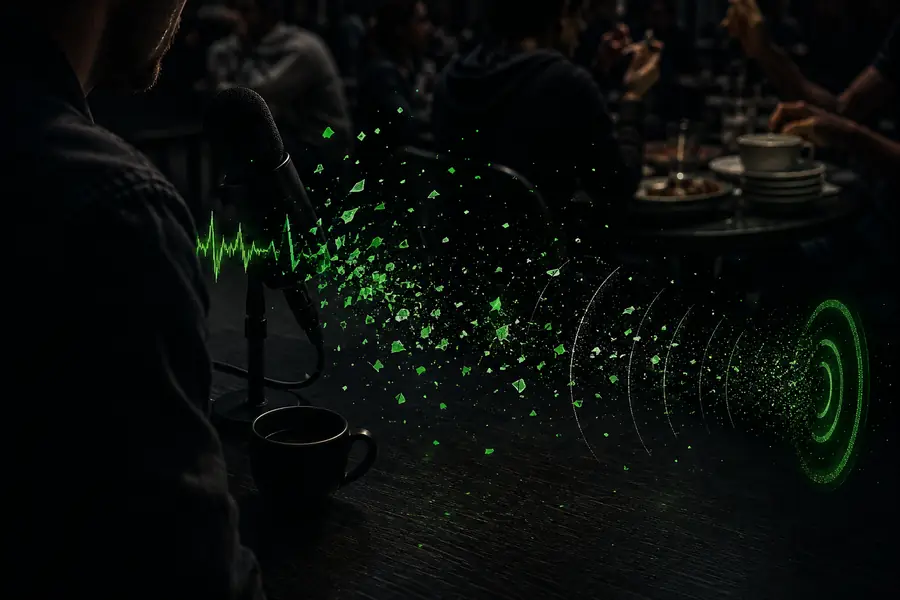
Before sending audio, decide what the interaction needs to preserve. A stable stream, a known language, and a clear handoff between listening and responding give the transcription layer enough signal to keep pace. For production voice apps, add consent handling and a vocabulary list for names, products, or domain-specific terms.
Capture mono or appropriately mixed audio with consistent sampling and as little clipping, echo, or competing speech as possible.
Use a realtime WebSocket connection for live audio, or send a file when the transcript can be produced after recording.
Consume partial text, final text, timestamps, and available voice signals so the application can react before the turn is over.
A typical flow starts with a person speaking, moves through streaming transcription, and ends with an application deciding what to do next. The same transcript can feed a model, a search index, a caption layer, or a voice response. Teams pairing it with realtime TTS-2 can keep listening and speaking in one continuous exchange.
A companion listens to a user, receives partial words as they arrive, and uses the completed turn to select a helpful reply.
inworld ai voice generatorA player speaks naturally to a character while transcription identifies the request quickly enough to preserve the scene’s timing.
inworld realtime tts 2A learner practices aloud, gets a live transcript, and receives feedback based on both the words and the way they were delivered.
inworld voice cloningA support assistant tracks a conversation, keeps speaker turns legible, and passes the right context into a workflow or knowledge search.
inworld ai voice generatorChoose the path that matches the moment rather than forcing every product through the same pipeline. The related pages below cover the adjacent voice capabilities teams commonly connect to transcription.
| Route | Best for | Useful output |
|---|---|---|
| Realtime stream | Live conversation | Partial and final transcript events |
| Synchronized file | Recorded audio | Transcript aligned to the source |
| Voice profiling | Richer interaction logic | Emotion, age, accent, pitch, and style |
| VAD and timestamps | Turn-taking and captions | Speech boundaries and word timing |
Most disappointing transcripts are caused by the conditions around the model. Clipping hides consonants, overlapping speakers blur turn boundaries, and distant microphones reduce the detail needed for accurate words and voice signals. A before-and-after view makes the difference clear: the cleaner stream gives the application more reliable material to reason over.
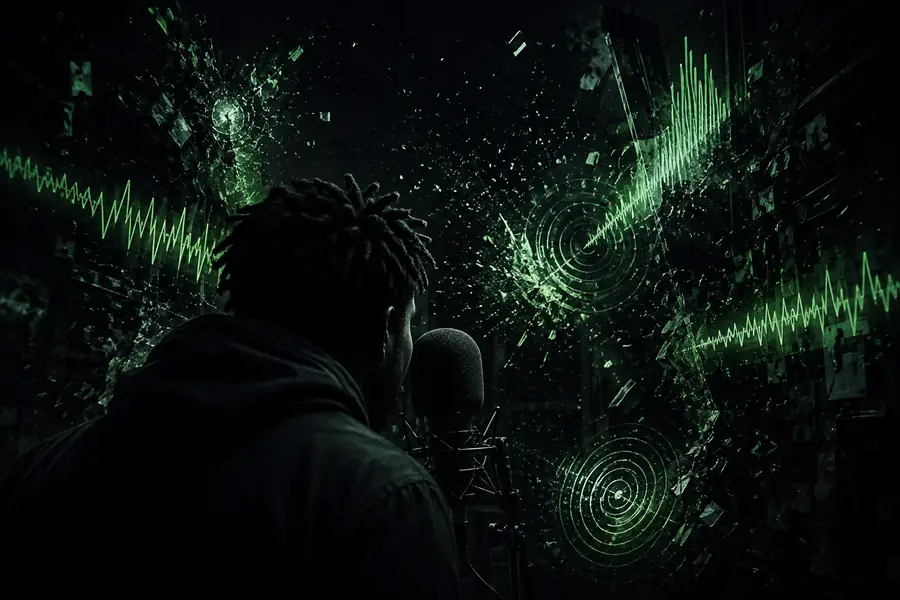
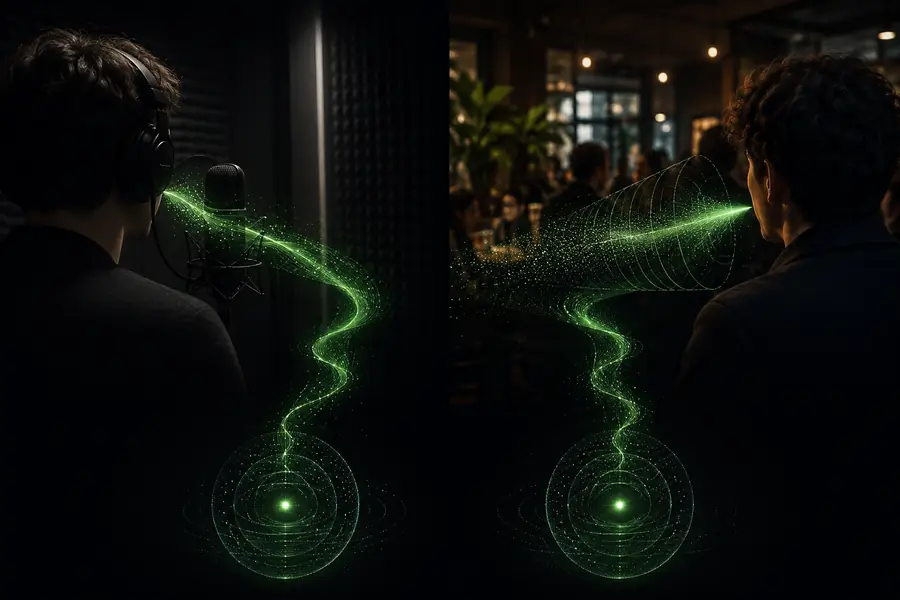
Test with the microphones, accents, speaking rates, and background conditions your users actually bring. Add custom vocabulary for proper nouns, preserve speaker boundaries where they matter, and treat partial text as provisional until the turn is complete.
It converts live or recorded audio into text while exposing context that helps an application understand timing, speaker behavior, and the conditions around the words.
Yes. A bidirectional WebSocket stream supports live audio, partial results, and final transcript events so an application can respond without waiting for the entire recording.
Start with a stable capture path, a known language, sensible microphone placement, and any domain vocabulary that needs special attention. Test noisy and overlapping speech before launch.
The transcript can trigger reasoning, tool calls, captions, search, or a spoken response. Pairing it with realtime synthesis creates a complete loop from listening to acting to speaking.